Wan 3.0 Prime
Poznaj Prime, aby uzyskać szybsze filmy produktowe, sceny z postaciami i kreatywne warianty oparte na referencjach. Sprawdź dostępność na dedykowanej stronie.
Do 30 sekund · 480p / 720p / 1080p
Otwórz stronę modelu Prime →
Alibaba Cloud · Centrum rodziny modeli Wan
Wan 3.0 is Alibaba's all-modality reference video model. Beyond the text, image, and endpoint workflows of earlier Wan versions, it accepts documents and web pages as creative sources and combines image, video, and audio references in a single request — useful when a clip must match existing brand assets, a voice track, or written source material.
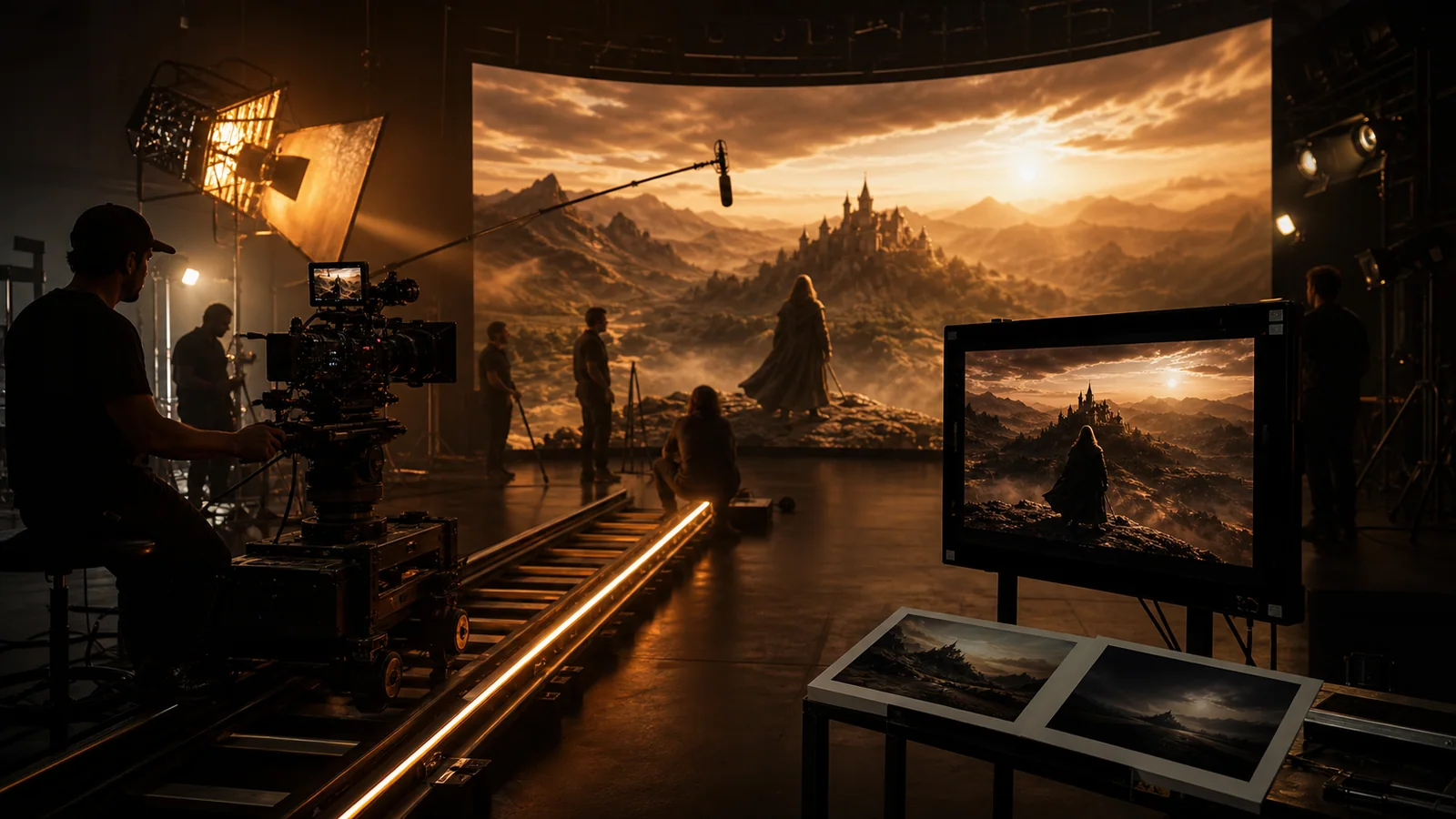
Najnowszy podłączony model
Rodzinny Hub zaczyna się od najnowszego, zunifikowanego modelu Wan. Otwórz stronę wersji, aby uzyskać szczegółowe wskazówki i przykłady wprowadzania danych.
Przegląd rodziny modeli
Wan 3.0 is Alibaba's all-modality reference video model. Beyond the text, image, and endpoint workflows of earlier Wan versions, it accepts documents and web pages as creative sources and combines image, video, and audio references in a single request — useful when a clip must match existing brand assets, a voice track, or written source material.
Katalog wersji Wan
Wan 3.0 is the current unified route. Wan 2.7 remains available for previous workflows, while Wan 2.6 keeps its three connected production routes together. Choose by control and production role, not by URL suffix.
Poznaj Prime, aby uzyskać szybsze filmy produktowe, sceny z postaciami i kreatywne warianty oparte na referencjach. Sprawdź dostępność na dedykowanej stronie.
Do 30 sekund · 480p / 720p / 1080p
Otwórz stronę modelu Prime →Document & webpage-to-video explainers
Pierwsza/ostatnia klatka, referencyjne wideo i audio, sterowanie multimodalne
Przetwarzanie tekstu na wideo, animacja obrazu wysokiej jakości, wersje robocze Flash o niższym kredycie
Użyj obrazu do określenia tożsamości lub kształtu, punktów końcowych dla ostatecznej kompozycji oraz odniesień do ruchu lub dźwięku.
Temat, akcja, otoczenie, kamera, światło, dźwięk i zakończenie powinny opisywać ten sam rytm produkcji.
Sprawdź tożsamość, geometrię, ciągłość ruchu, wygenerowane słowa, synchronizację dźwięku i ostateczny punkt edycji.
Wan przypadków użycia
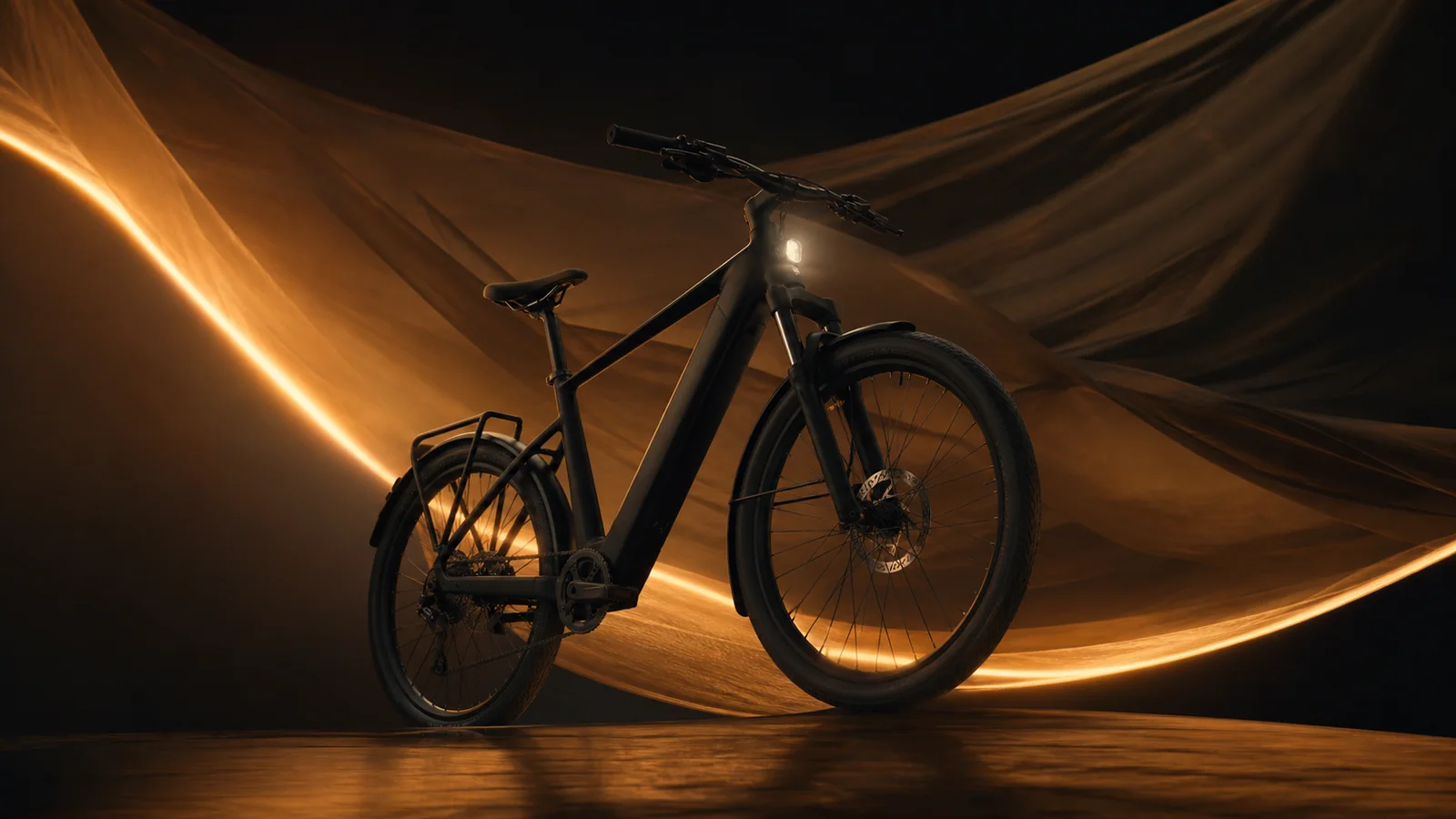
Zachowaj zatwierdzoną oprawę wizualną produktu, dodaj przemyślany ruch materiału i zakończ na użytecznej ramie bohatera.
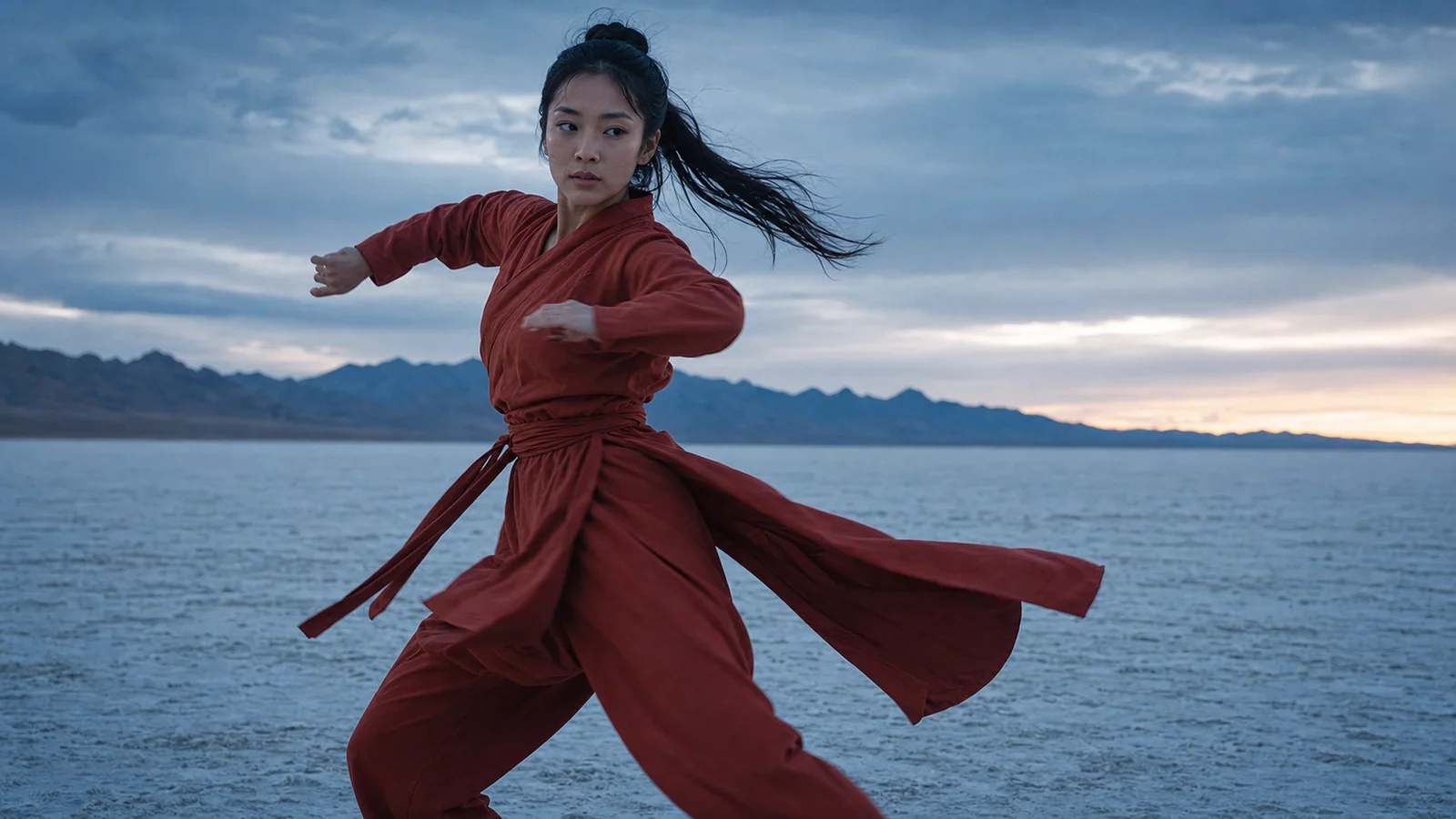
Użyj obrazu, aby zakotwiczyć tożsamość i krótkiego odniesienia, aby poinformować o czasie wykonania.

Zamień jedną opowieść w spójne ujęcie z jasną ścieżką kamery i zakończeniem.

Zanim zdecydujesz się na dłuższą edycję, przetestuj natychmiastowe działanie i czytelną wypłatę.
Wan szybki przewodnik
[Shot size] of [subject] performing [single action] in [environment]. [Camera move], [lighting], [material/weather motion], [sound cue], finish on [ending composition].
Użyj tego monituAnimate the supplied image while preserving [identity/product geometry/material]. Add [one action] and [one camera move]. Natural motion, stable background, clean ending.
Użyj tego monituUse image reference for [identity/style], video reference for [motion/camera rhythm], and audio reference for [beat/ambience]. Preserve [details]. One continuous shot.
Użyj tego monituUżywaj tego samego celu strzału w różnych wersjach i porównuj spójność, liczbę ponownych prób, kontrolę i kredyty, a nie pojedynczą atrakcyjną klatkę.
Twórz za pomocą Wan 3.0