Tell Wan which asset controls identity, movement, camera, style, or sound. Conflicting references become easier to diagnose when their roles are explicit.
Image reference: identity, product, wardrobe, or style
Video reference: motion timing or camera path
Audio reference: beat, ambience, or event timing
02 · Workflow principle
Clean the reference before rewriting the prompt
A short reference with one performer, readable movement, limited cuts, and compatible framing usually communicates more clearly than a busy edited montage.
Trim unrelated opening and ending frames
Avoid heavy occlusion during the key motion
Confirm rights for every recognizable source
Visual examples
Three distinct ways to apply this workflow
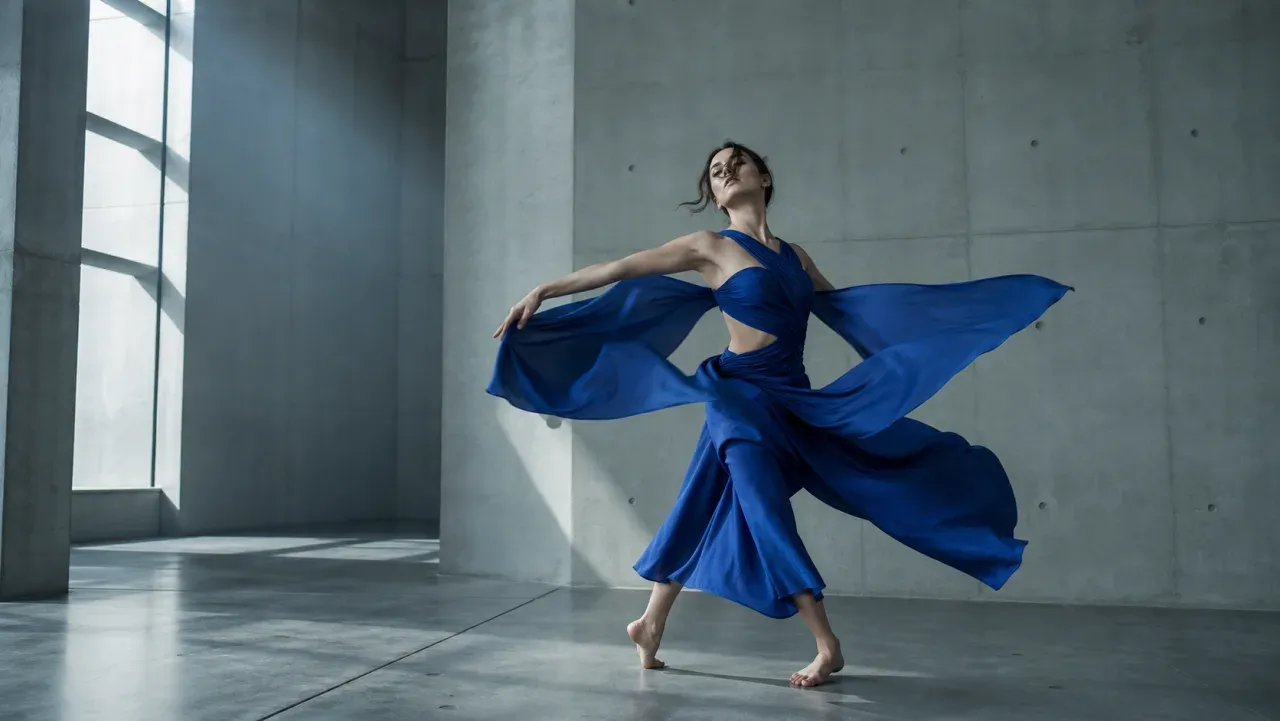
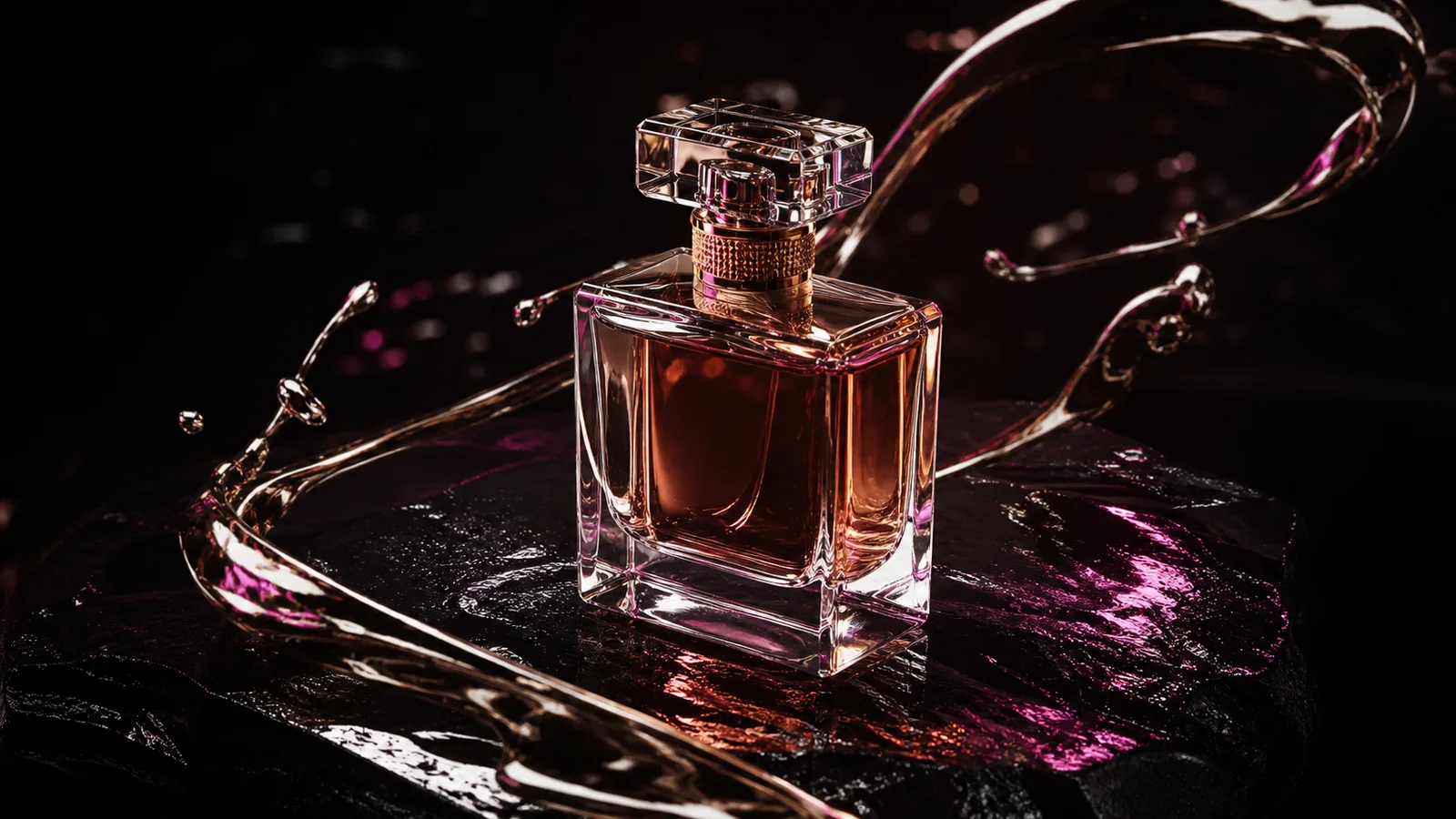
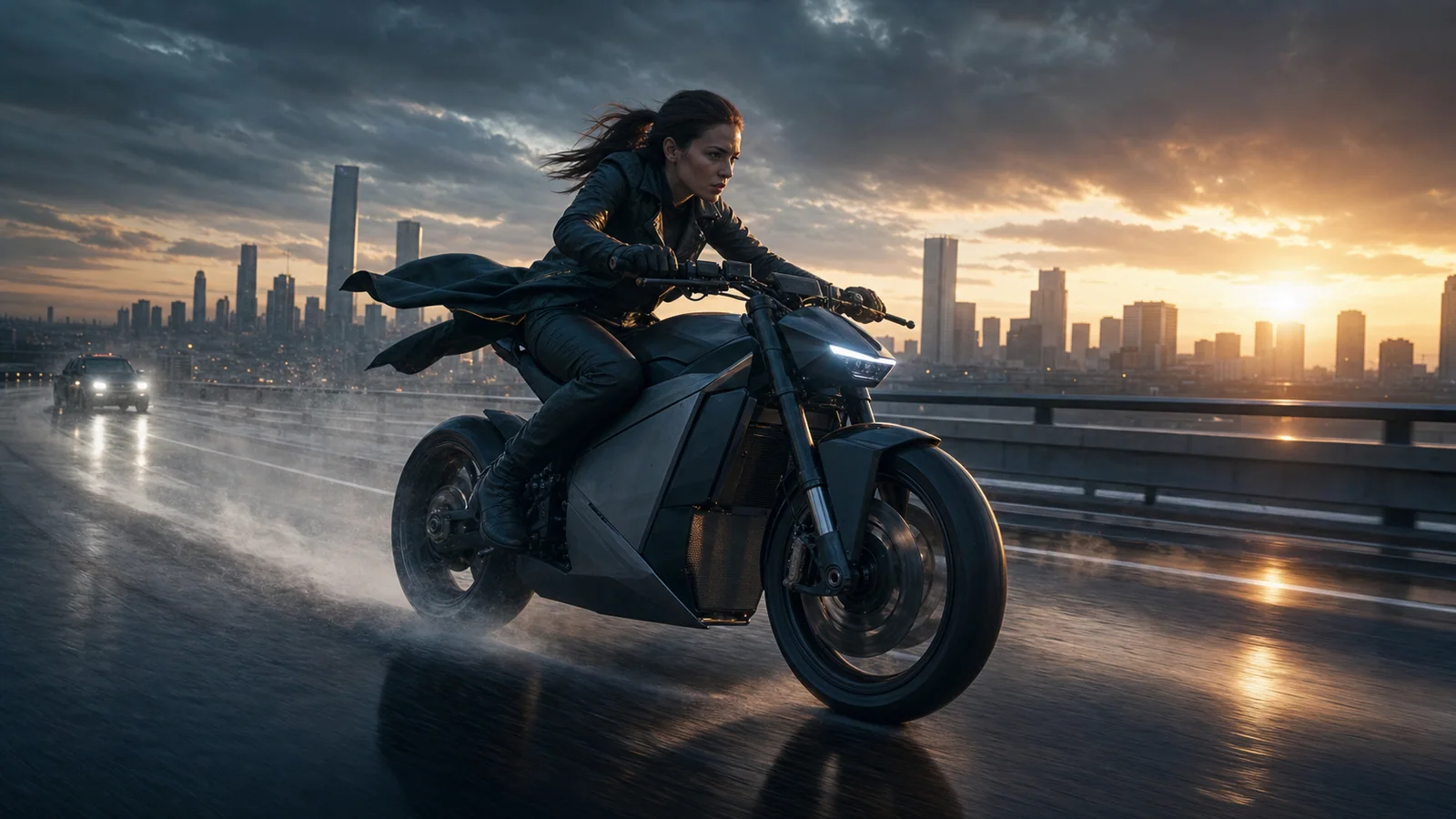
Use video for timing and image for identity.Separate product fidelity from camera-path control.One readable action reference reduces ambiguity.
Copyable prompt templates
Start specific, then change one variable at a time
Keep the subject, action, camera, light, sound, and ending coherent. Bracketed fields are the variables to replace.
01
Character image plus dance timing
Use the image reference only for face, hair, outfit, and body proportions. Use the video reference only for dance timing and full-body movement. Preserve orientation, natural weight, stable hands and face; do not copy the source background.
Choose a character image whose framing supports the movement.
Use the product image for exact silhouette, material, color, and label placement. Use the video reference only for camera speed and orbit path. Dark studio background, controlled reflections, no redesign, end on the original product angle.
A smooth reference orbit is easier to reproduce than a cut montage.
Transfer the performer's gesture sequence and pacing from the video reference to the supplied character. Place them in [new environment] from the text direction. Preserve identity and wardrobe; adapt light and contact naturally; keep the camera locked.
Keep environment direction separate from motion direction.
Use the reference video only for shot size progression and camera rhythm. Do not reproduce its people, objects, colors, or location. Create [new subject] in [new setting], following the same push, pause, and reveal timing.
State exclusions explicitly when a reference contains distracting content.
Use the audio reference for tempo and the primary impact at [timestamp/event]. Use the video reference for [single action]. Use the image for character identity. Synchronize the visible landing with the impact, then return to natural ambience.
Use one major synchronization target per short clip.
Use the reference video for lighting rhythm, material movement, and restrained camera pace only. Apply those qualities to [product/subject]. Preserve supplied brand colors and geometry; create a new composition and environment; no copied logos or text.
Describe transferable qualities instead of asking for a full copy.
Use a short clip with a readable subject, limited cuts, little occlusion, and movement that fits the framing and duration of the intended output.
Can one reference control identity and motion?
It may influence both, but explicit role assignment is easier to evaluate. When identity is critical, add a clean image reference and reserve the video for movement.
Can I recreate any online video with Wan?
No. You need appropriate rights to the source, performance, identity, voice, music, and brand assets. Technical access does not replace permission.