Use only the characters needed for the beat, place them in distinct screen positions, and write one short line at a time. Dialogue scenes fail when identity, staging, wording, and camera changes all compete.
Name who speaks first and where they stand
Use reaction beats instead of overlapping dialogue
Keep one stable camera for the first test
02 · Workflow principle
Treat generated dialogue as a draft
Review actual wording, voice, lip timing, identity, and rights before publishing. Separate shots or post-production audio may be safer when exact language is required.
Keep each line short enough for the duration
Check face and wardrobe consistency after every cut
Use authorized voices and identities only
Visual examples
Three distinct ways to apply this workflow
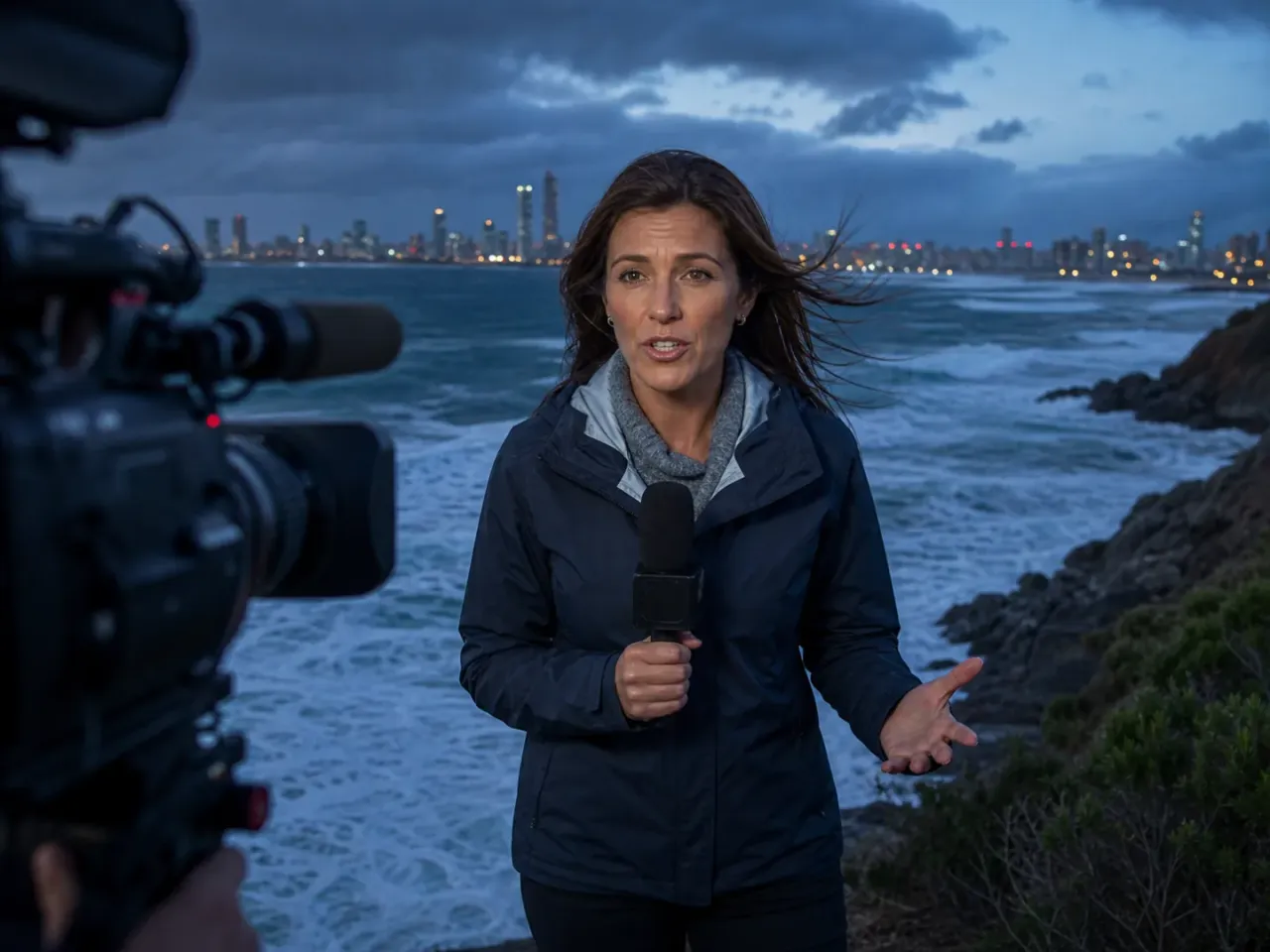
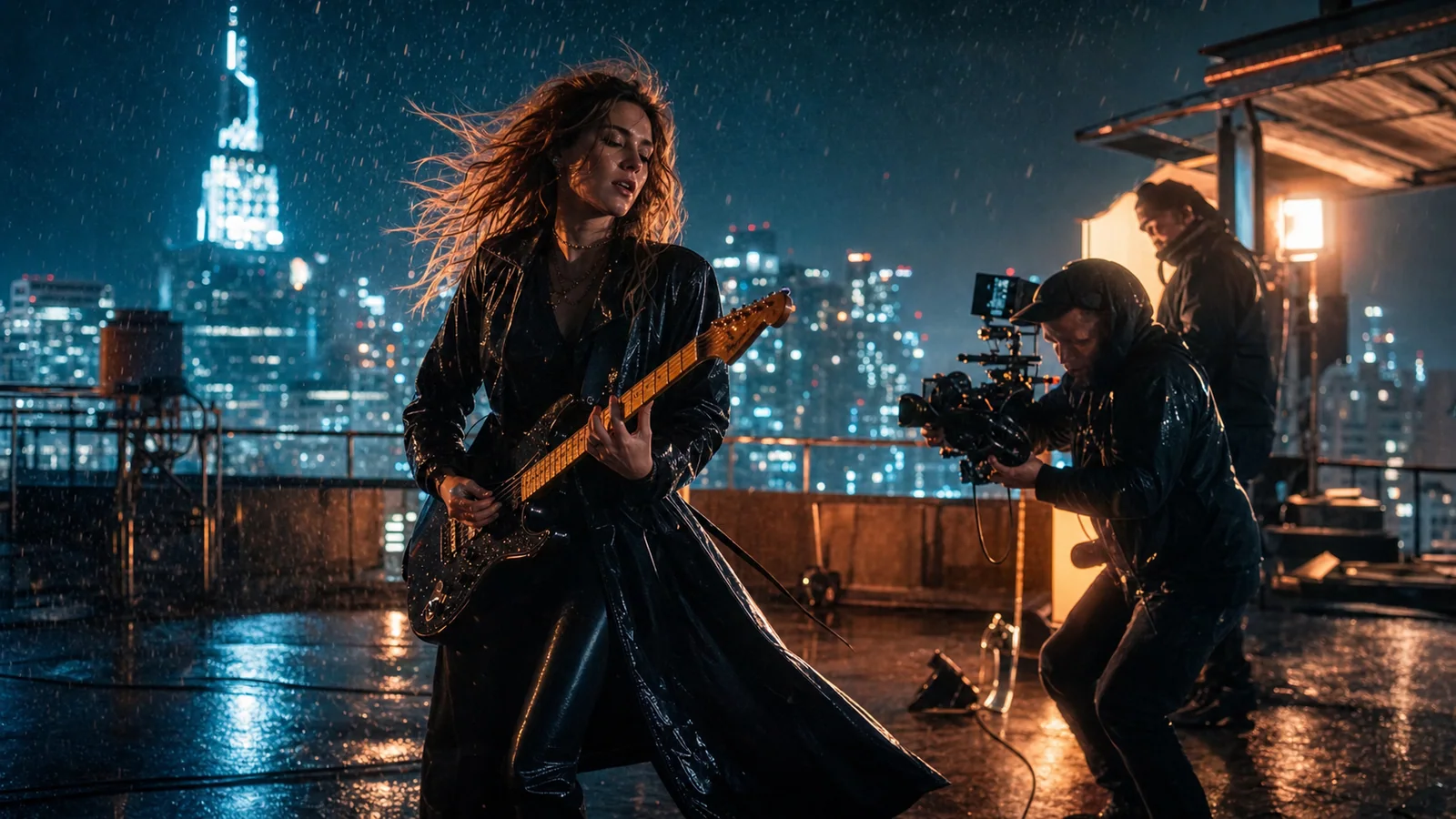
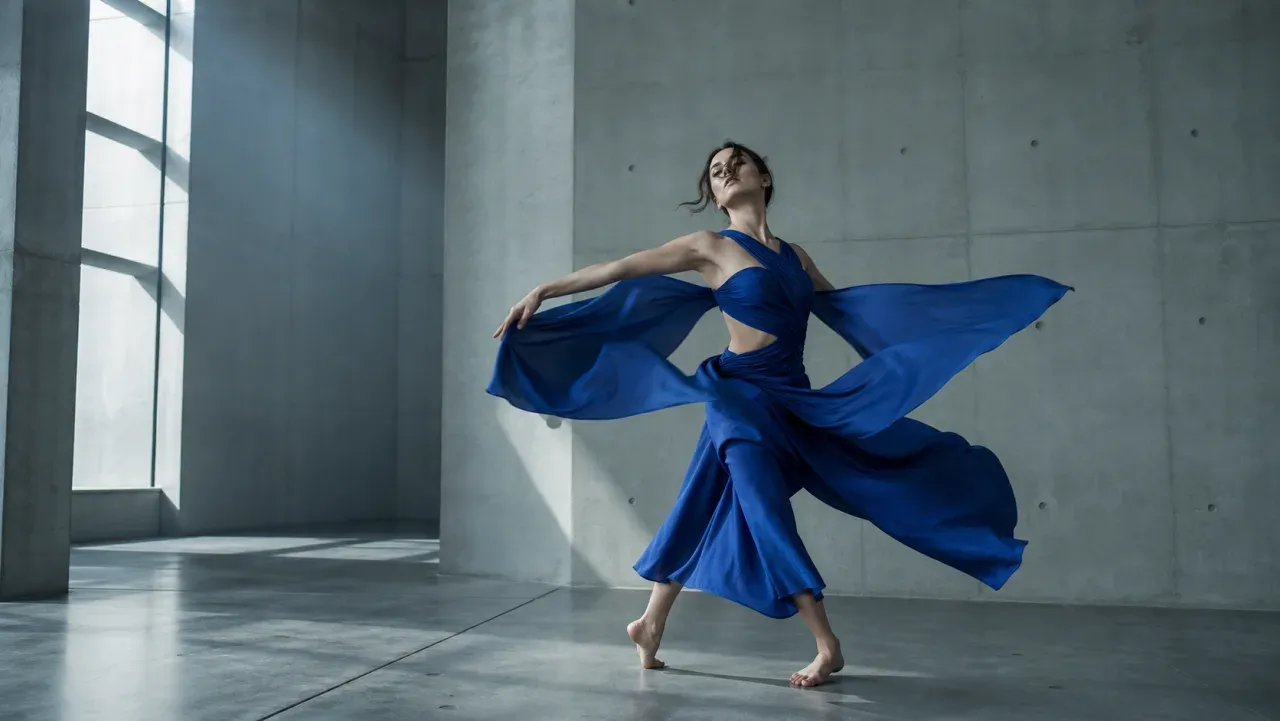
Stable staging makes speaker order easier to read.Review voice, mouth timing, and visible performance together.Repeat identity anchors across reaction shots.
Production prompt starters
Start specific, then change one variable at a time
Keep the subject, action, camera, light, sound, and ending coherent. Bracketed fields are the variables to replace.
01
Two-person exchange
Two characters in [location], A on screen left and B on screen right. Stable medium two-shot. A says exactly: '[short line]'. B listens, then responds: '[short line]'. Natural room tone, no music, subtle reactions, hold after B finishes.
Interviewer remains partly visible in foreground; guest in a stable medium portrait. Interviewer asks: '[question]'. Guest takes one breath, reacts naturally, then answers: '[short answer]'. Quiet room tone, slow push-in only during the answer.
Close reaction of [character B] listening to an off-screen line. Preserve identity and wardrobe. Subtle eye movement and breathing, no spoken response, natural room tone, locked camera, one-second ending hold.
Generate reaction shots separately for editorial control.
Two characters walk side by side through [place], same pace and direction. Side tracking medium shot. A delivers '[line]' while B listens; B responds only after A finishes. Stable identities, realistic footsteps, environmental ambience, no camera cut.
It can be tested, but short lines, clear speaker positions, limited camera changes, and separate reaction shots improve evaluability. Review actual wording and identity.
How do I stop the speakers from swapping identity?
Use distinct visual anchors, fixed screen positions, one speaker at a time, and reference images when available. Avoid complex blocking in the first test.
Should I generate exact final dialogue in the model?
Treat model dialogue as a draft. When exact wording, voice identity, or compliance matters, consider controlled post-production audio and verify permissions.