Wan 2.7 Video Generator: The Complete Guide to Text, Image, and Reference Modes
Key Takeaways
- Wan 2.7 is one unified model covering text-to-video (T2V), image-to-video (I2V), and reference-to-video (R2V) in a single workflow.
- It supports 720P and 1080P output, 2 to 15 seconds of duration, and five aspect ratios including 16:9, 9:16, and 1:1.
- First-last-frame and audio-driven modes give you start-state and end-state control that single-image I2V models cannot match.
- Reference-to-video (R2V) accepts up to five reference images, five reference clips, and a reference audio track in one call.
- Try the Wan 2.7 video generator to follow along with any example in this guide.
What Is the Wan 2.7 Video Generator?
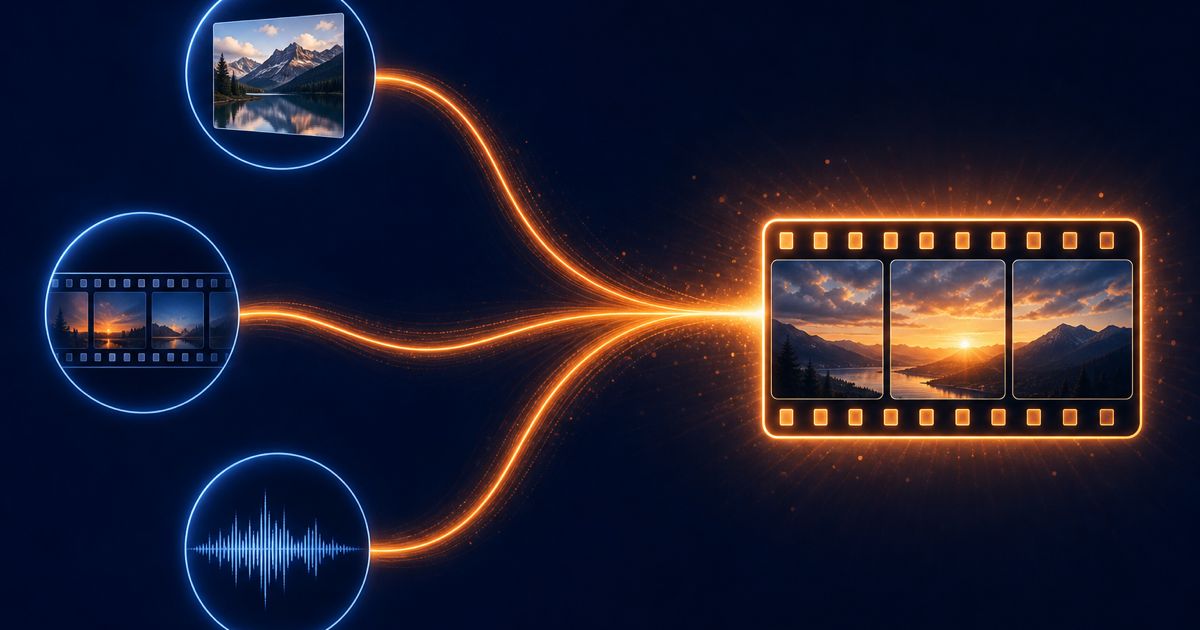
Wan 2.7 is the latest video generation model from Alibaba's Wan team, exposed through Alibaba Cloud Model Studio. It unifies four previously separate capabilities into one model family: text-to-video, image-to-video, reference-to-video, and video editing. According to the Alibaba Cloud video generation overview, the model accepts multimodal input and outputs MP4 or MOV at up to 1080P.
The key shift in 2.7 is workflow unification. Instead of switching between vendors for text-to-video and image-to-video, you call the same model and let the API route based on the inputs you pass. This matches the PixMind Wan 2.7 product page, where one creation surface handles every mode.
For creators, this matters because mode-switching is where most production time is lost. You write a prompt, render, realize the start state is wrong, and then rebuild from scratch in a different tool. Wan 2.7's unified surface lets you swap inputs without swapping models.
How Many Modes Does Wan 2.7 Support?
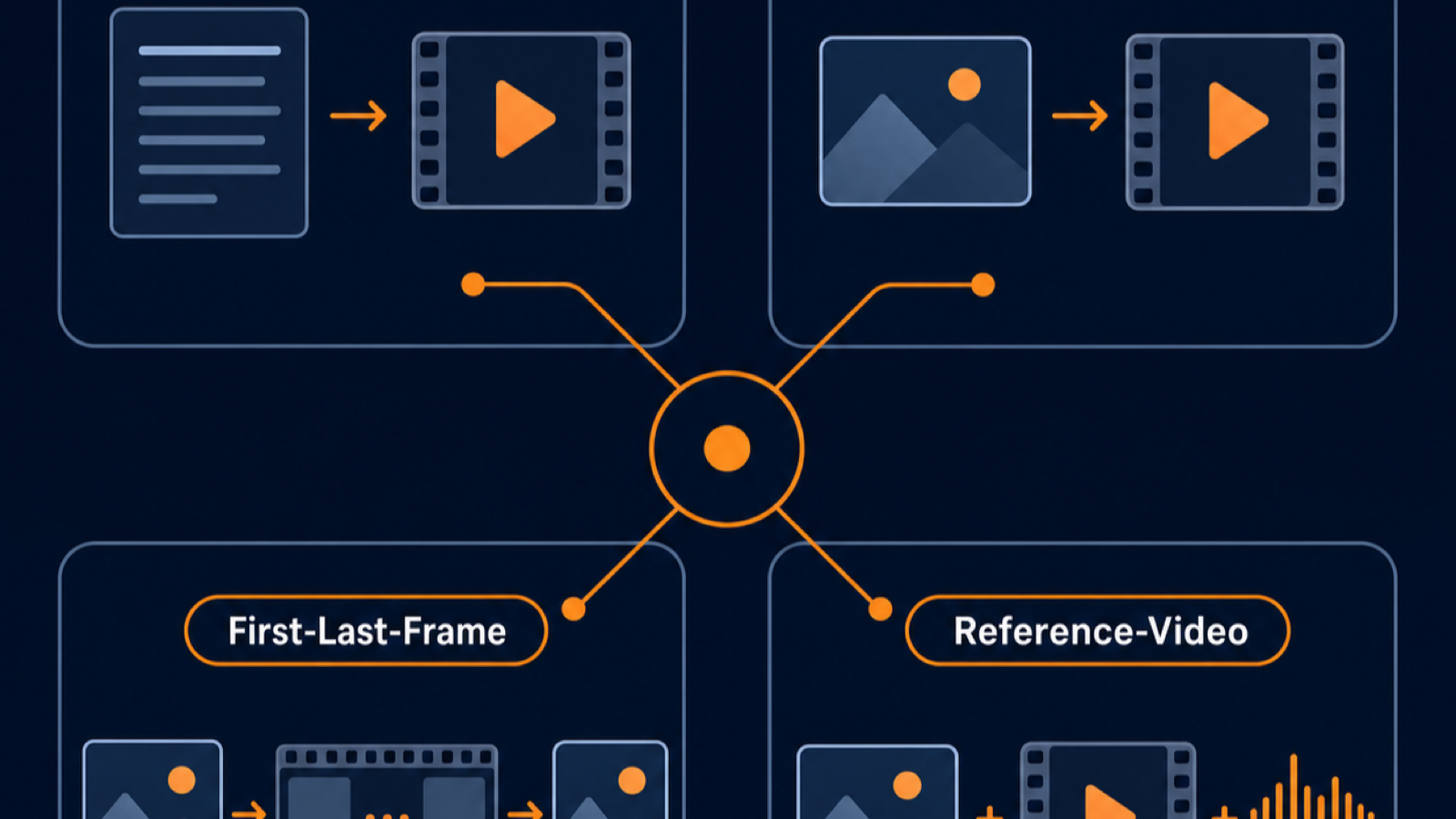
Wan 2.7 exposes four modes. The I2V API reference documents the full input matrix. Here is the practical breakdown.
| Mode | Input | Best For | Max Duration | Max Resolution |
|---|---|---|---|---|
| T2V (Text-to-Video) | Text prompt, optional audio | Storyboarding, abstract motion, B-roll | 15s | 1080P |
| I2V (Image-to-Video) | First frame, optional last frame, optional audio | Product reveals, character action, animation | 15s | 1080P |
| R2V (Reference-to-Video) | Up to 5 reference images + 5 reference clips + reference audio | Identity preservation, voice cloning, multi-character scenes | 10s | 1080P |
| Video Edit | Source video + instruction | Style transfer, instruction-based edits | 10s | 1080P |
Text-to-Video (T2V)
T2V takes a text prompt and outputs a video. The Wan 2.7 T2V API reference lists supported parameters including resolution, duration, ratio, and an optional audio track. T2V is the fastest path from idea to clip.
Use T2V when you do not have a fixed start frame. Abstract motion, B-roll, storyboards, and stylized sequences all fit. Avoid T2V when the start state matters: if you need a specific product on screen at frame zero, switch to I2V.
Image-to-Video (I2V)
I2V is where Wan 2.7's workflow unification shows up. The Wan 2.7 image-to-video user guide documents four sub-modes:
- First-frame-to-video: one image becomes the start state, the model invents the motion.
- First-and-last-frame-to-video: two images define start and end states, the model interpolates.
- Video continuation: a short clip becomes the start state, the model extends it.
- Audio-driven: an image plus an audio track drives lip-sync or motion.
For a deeper walkthrough of the four I2V paths, see the PixMind first-last-frame prompts cluster.
Reference-to-Video (R2V)
R2V is the most powerful and most underdocumented mode. The Wan 2.7 R2V API reference describes a call that accepts up to five reference images, five reference clips, and one reference audio track. The model uses these to preserve identity, voice, and style across the output.
R2V is what to use when you need a character to look the same across shots, or when you want to clone a voice into a new scene. The trade-off is duration: R2V caps at 10 seconds, shorter than the 15-second ceiling of T2V and I2V.
Video Editing
Video editing takes a source video plus a text instruction and returns an edited clip. The Wan 2.7 video editing API supports instruction-based edits and style transfer. This mode is outside the scope of a generation guide, but worth knowing exists.
How Does First-Last-Frame Mode Work?
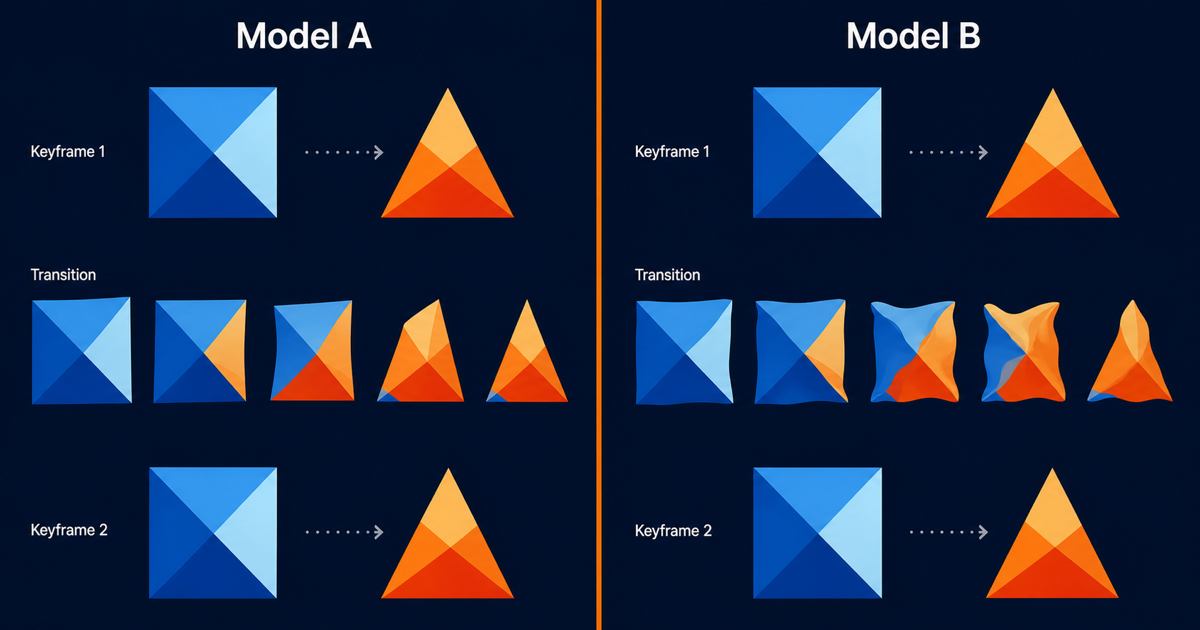
First-last-frame is a sub-mode of I2V. You provide two images: one for the first frame, one for the last. Wan 2.7 generates the in-between frames.

This matters because single-image I2V leaves the end state to the model. If your shot needs to land on a specific frame (a product fully rotated, a box fully open, a character fully turned), first-last-frame is how you guarantee that landing.
The practical pattern is: shoot or generate two keyframes, upload them as first and last, set duration, render. Wan 2.7 interpolates the motion between them. The PixMind first-last-frame prompts page has prompt templates for product reveals, transitions, and storytelling patterns.
Common failure modes to watch for:
- Warping on reflective surfaces: glass, metal, and water can smear during interpolation.
- Identity drift on characters: faces may shift between frames.
- Camera inconsistency: if the two keyframes imply different camera angles, the model has to invent a transition.
Test with short durations first (2-3 seconds) before committing to 5-10 second renders.
How Does Audio-Driven Video Work?
Audio-driven mode takes a still image plus an audio track and produces a video where the subject appears to speak or move in sync with the audio. This is the foundation of talking-head and avatar content.
The model uses the audio waveform to drive two things: lip motion (if a face is present) and overall motion energy. The Wan 2.7 I2V API accepts the audio as part of the media array, using the driving_audio type.
For talking-head use cases, pair this with the PixMind character performance cluster. The combination of audio-driven I2V plus a clean reference portrait is the current best open path to a lip-synced avatar without training a custom model.
Two practical notes:
- Audio quality drives video quality. A clean studio recording outperforms a phone mic.
- Test with a 3-second clip first. Sync issues are easier to catch early.
What Resolution, Duration, and Aspect Ratio Should You Pick?
Wan 2.7 supports 720P and 1080P output. The trade-off is cost versus sharpness. According to the PixMind pricing strategy, 1080P consumes roughly twice the credits of 720P per second.
| Setting | When to Choose | Trade-off |
|---|---|---|
| 720P | Social-first content, vertical video, testing iterations | Lower cost, visible softness on large screens |
| 1080P | Product showcases, cinematic previs, ad creative | Higher cost, sharper detail |
| 16:9 | YouTube, website embeds | Standard widescreen |
| 9:16 | Reels, TikTok, Shorts | Mobile vertical |
| 1:1 | Feed posts, square embeds | Cross-platform neutral |
| 4:3 / 3:4 | Editorial, vintage style | Niche |
Duration drives cost linearly. A 10-second render costs roughly 5x a 2-second render at the same resolution. For iteration, work short. For final, go long.
A reasonable default for new users: 720P, 5 seconds, 16:9. Confirm the shot works, then bump to 1080P for the final.
How Do You Pick the Right Wan 2.7 Mode?
The decision tree is straightforward once you know what inputs you have.
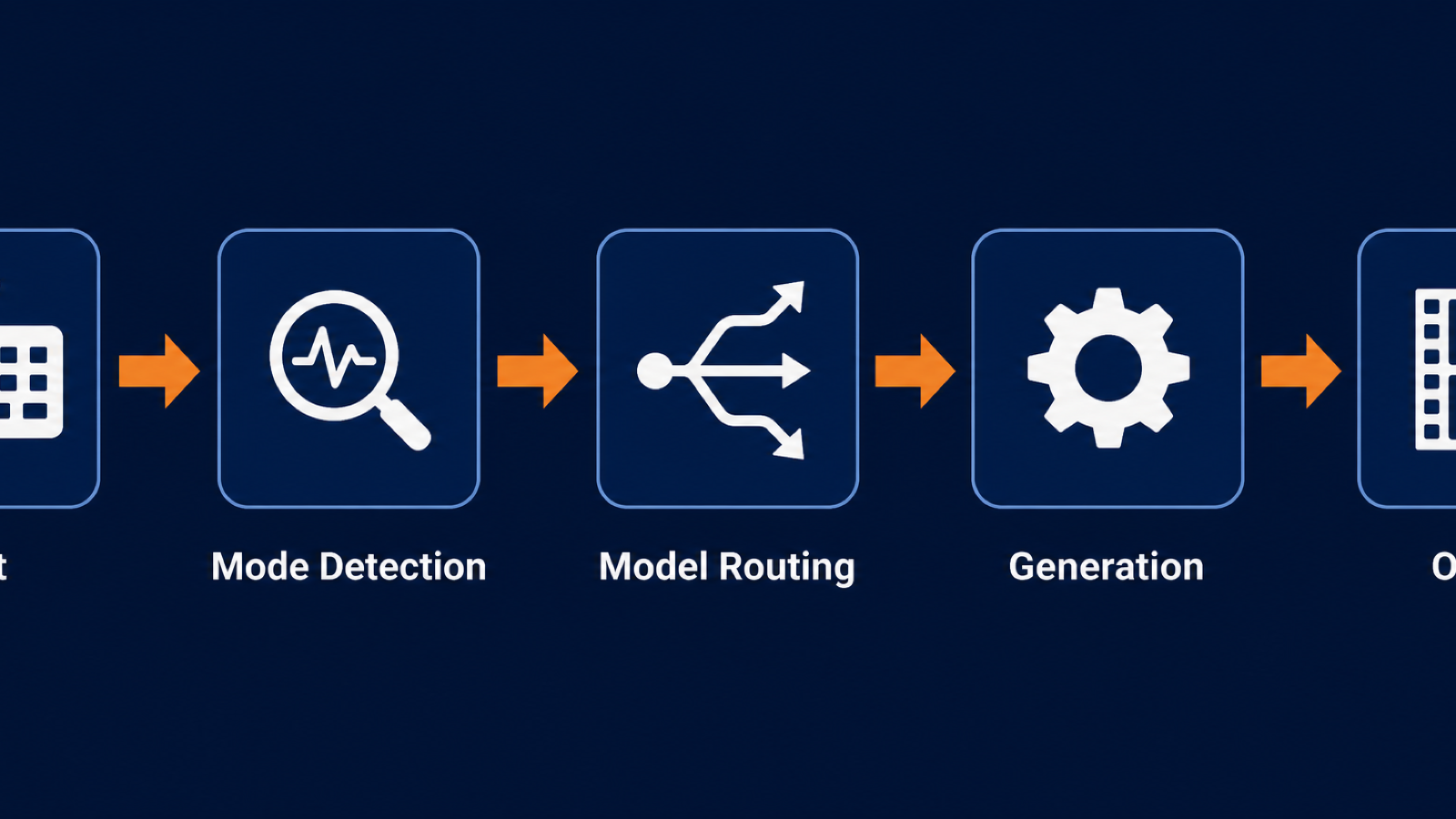
- You have only an idea: use T2V. Iterate on the prompt before adding visuals.
- You have one product photo: use I2V first-frame mode.
- You have two keyframes that must be the start and end: use I2V first-last-frame.
- You have a short clip that needs to extend: use I2V video continuation.
- You have a portrait plus a voiceover: use I2V audio-driven.
- You need identity or voice preservation across shots: use R2V.
- You have existing footage that needs an edit or style change: use video editing.
If you are unsure, start at the PixMind Wan family hub and pick by use case rather than by mode name. The hub routes you to the right surface based on what you are trying to make.
How Should You Prompt Wan 2.7?
Prompt structure matters more than prompt length. Wan 2.7 rewards a five-segment anatomy: subject, action, setting, camera, style.
A sample structure:
Subject: a glass perfume bottle on a dark surface. Action: a spray of droplets erupts to the right. Setting: studio black backdrop, single key light from camera-left. Camera: static medium shot, 50mm equivalent. Style: cinematic, shallow depth of field, warm rim light.
Each segment narrows the output space. Missing segments default to the model's prior, which is usually generic.
For deeper prompt patterns, the PixMind multi-shot prompts cluster covers 12 reusable structures including multi-shot sequences, audio-sync patterns, and first-last-frame storyboards.
Two prompt pitfalls to avoid:
- Overloaded prompts: more than five subjects in one prompt confuses the model. Split into multiple renders.
- Negative-prompt overuse: Wan 2.7 does not weight negative prompts the way image models do. Keep them short.
How Does Wan 2.7 Compare to Other Models?
Wan 2.7 sits in a crowded field. Sora 2, VEO 3, Kling 2.0, and Seedance all target overlapping use cases. The differentiation is in which modes each model exposes and at what cost.
| Capability | Wan 2.7 | Sora 2 | VEO 3 | Kling 2.0 |
|---|---|---|---|---|
| Text-to-Video | Yes | Yes | Yes | Yes |
| Image-to-Video | Yes | Limited | Yes | Yes |
| First-Last-Frame | Yes | No | Limited | Limited |
| Reference-Video (R2V) | Yes | No | No | Limited |
| Audio-Driven I2V | Yes | Yes | Yes | Limited |
| Max Duration | 15s | 20s | 8s | 10s |
| Max Resolution | 1080P | 1080P | 1080P | 1080P |
This table reflects vendor-published specifications as of July 2026. Independent head-to-head testing lives in our Wan 2.7 versus Sora 2 prompt test and the VEO and Kling showdown.
Wan 2.7's distinctive edge is first-last-frame combined with R2V. No other model in the table exposes both at full capability. If your workflow needs precise start-and-end control plus identity preservation, Wan 2.7 is currently the only single-model path.
What Are the Common Failure Modes?
Every AI video model fails. Naming the failure modes helps you ship faster.
- Warping on reflective surfaces: glass, mirrors, polished metal. Mitigate by reducing motion amplitude in the prompt.
- Identity drift across shots: faces shift between generations. Mitigate with R2V reference inputs.
- Hallucinated text in frames: signs, labels, logos render as gibberish. Mitigate by removing text from input images.
- Aspect ratio mismatch: feeding a 9:16 image into a 16:9 generation crops unexpectedly. Match input aspect to output aspect.
- Credit burn on long iterations: 10-second test renders eat credits fast. Iterate at 2-3 seconds.
The PixMind use cases cluster has per-scenario failure-mode notes for product marketing, character performance, cinematic previs, and social hooks.
Wan 2.7 Video Generator FAQ
Is Wan 2.7 free to try?
Yes. The PixMind Wan 2.7 page includes a free trial with no credit card required. Paid plans kick in only when you exceed the trial quota.
Does Wan 2.7 support 4K?
No. Wan 2.7 video tops out at 1080P. The Wan 2.7 image model supports 4K stills through the Pro tier, but video output is capped at 1080P.
Can Wan 2.7 clone a specific person's face?
Wan 2.7 can preserve identity from reference inputs, but PixMind policy prohibits non-consensual likeness cloning of real, identifiable people. Use R2V with original characters, stock references, or your own likeness.
How long does one Wan 2.7 render take?
Generation time depends on duration, resolution, and load. Typical 5-second 720P renders finish in 60-90 seconds. 10-second 1080P renders can take 3-5 minutes. The API returns a task ID you poll for status.
Does Wan 2.7 generate audio?
Yes, but only in modes that accept audio input. T2V can take an audio track and motion-sync to it. I2V audio-driven mode uses audio to drive lip and motion sync. Pure audio generation (music, sound effects) is a separate Alibaba model.
Can I use Wan 2.7 outputs commercially?
Yes. Outputs you generate are yours to use commercially under the Alibaba Cloud Model Studio terms. Review the current terms on the Alibaba Cloud Model Studio overview before shipping.
Watch It in Action
Wan 2.7 shipped 5 features that collectively turn it from a video generator into a video production suite...
— Machina (@EXM7777) April 3, 2026
> First/Last Frame control (define start and end, AI fills the middle)
> 9-grid multi-reference (upload 9 images in a 3x3 grid, model understands your subject from every… https://t.co/dBq6X5XP36 pic.twitter.com/Gzbpcg971b
Wan 3.0 Video Complete Guide: Inputs, Audio, Pricing & API